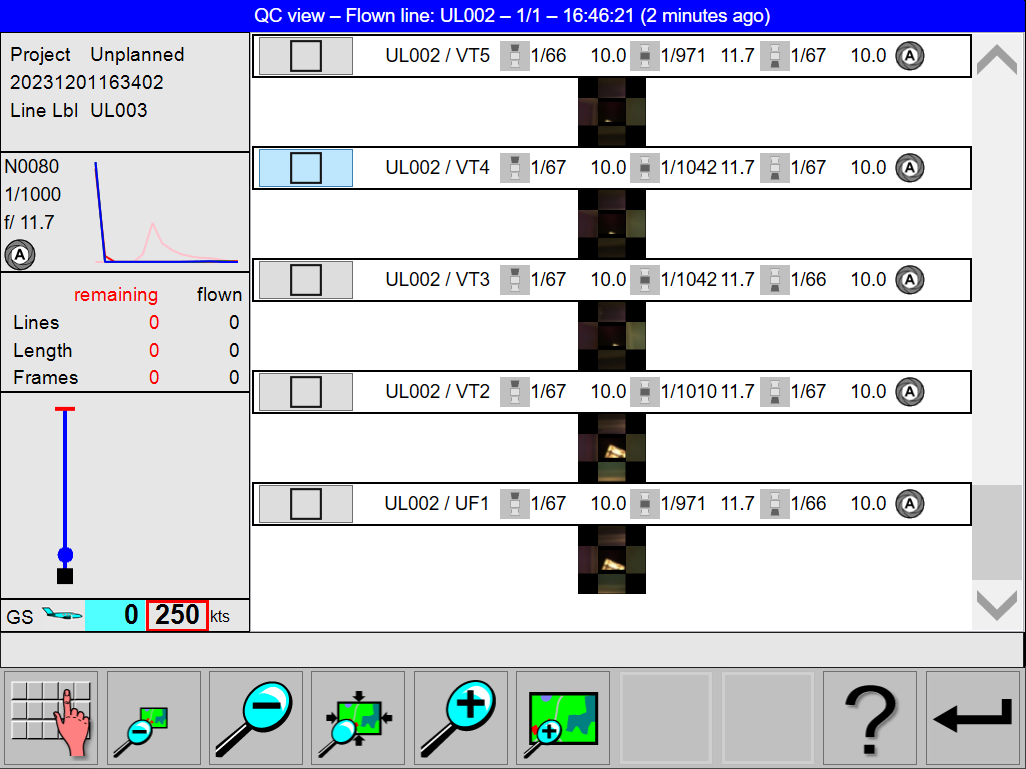
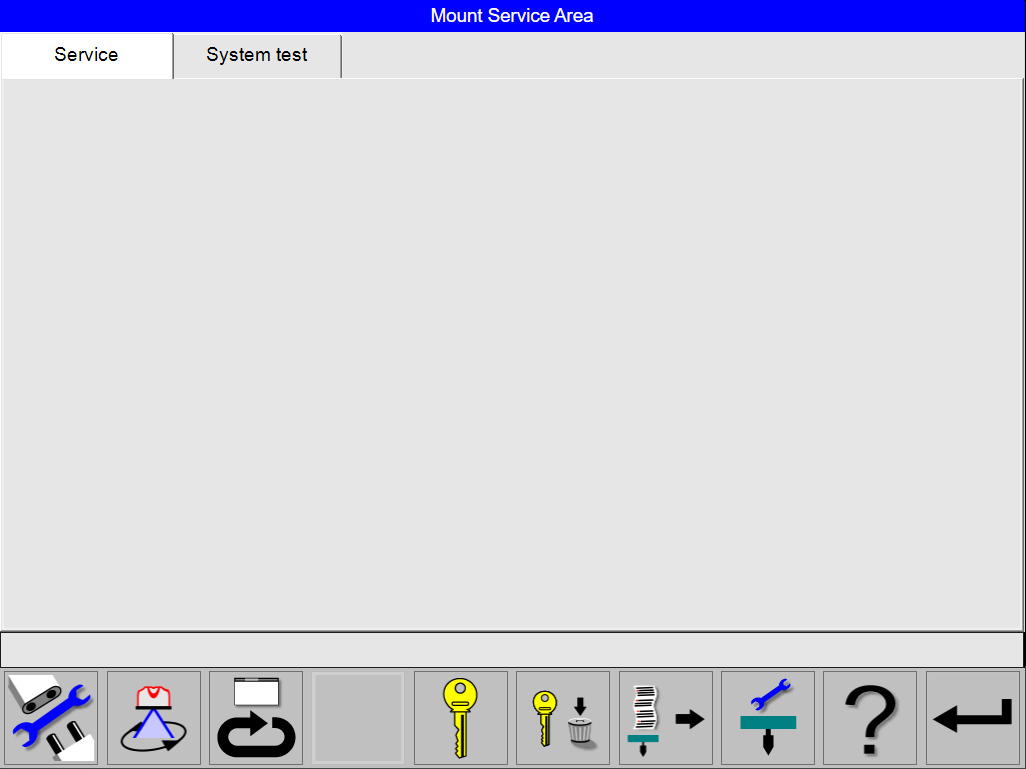
Operator can now check with the Image vignetting test for possible vignetting of the images at the full range of orientations of the Leica PAV200 before flight. This ensures that the images recorded during the flight will be free of vignetted images. The operator can start an Image vignetting test that will record images for all the cameras in the Leica CountryMapper Pod at 25 different orientations of the Leica PAV200. These images are saved to an external disk for review or can be viewed in the QC view on the OC61 Operator Console. Click on the Image vignetting test button in the Mount Service Area view in flight execution mode to start the Image vignetting test.
Setting System with a LiDAR Unit into image only mode
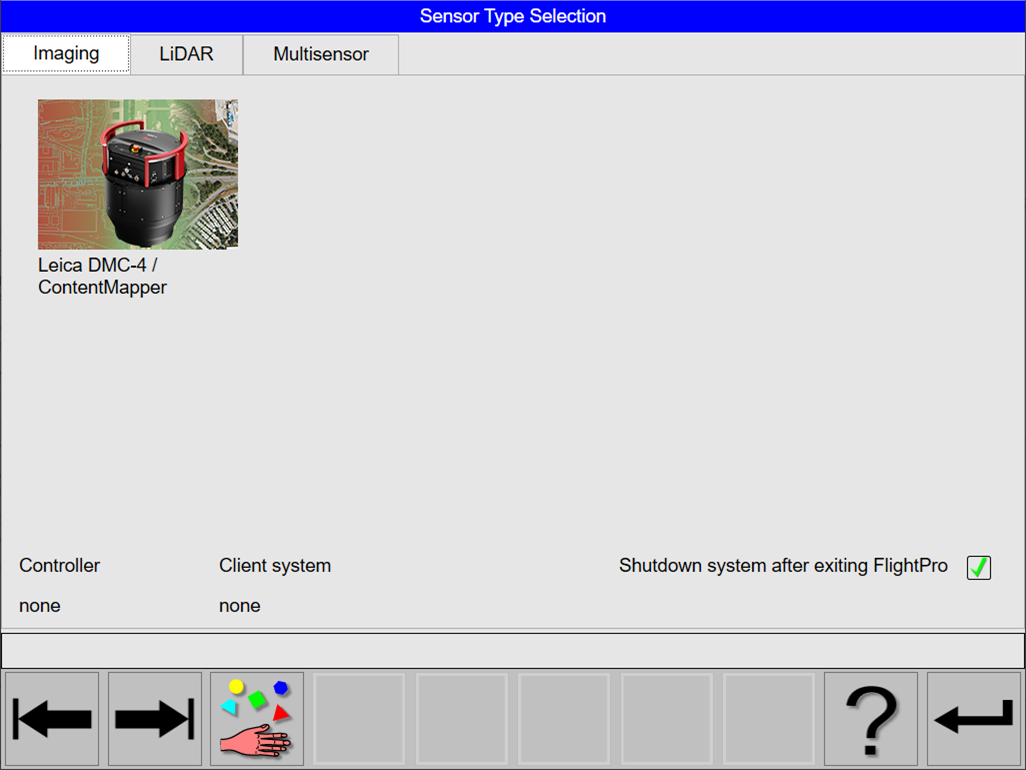
The Image vignetting test is only available when the LiDAR Unit is not active to ensure no laser emission in flight execution mode. This means that the operator has to select the Leica DMC-4 / ContentMapper in the Sensor Type Selection view and restart the system.
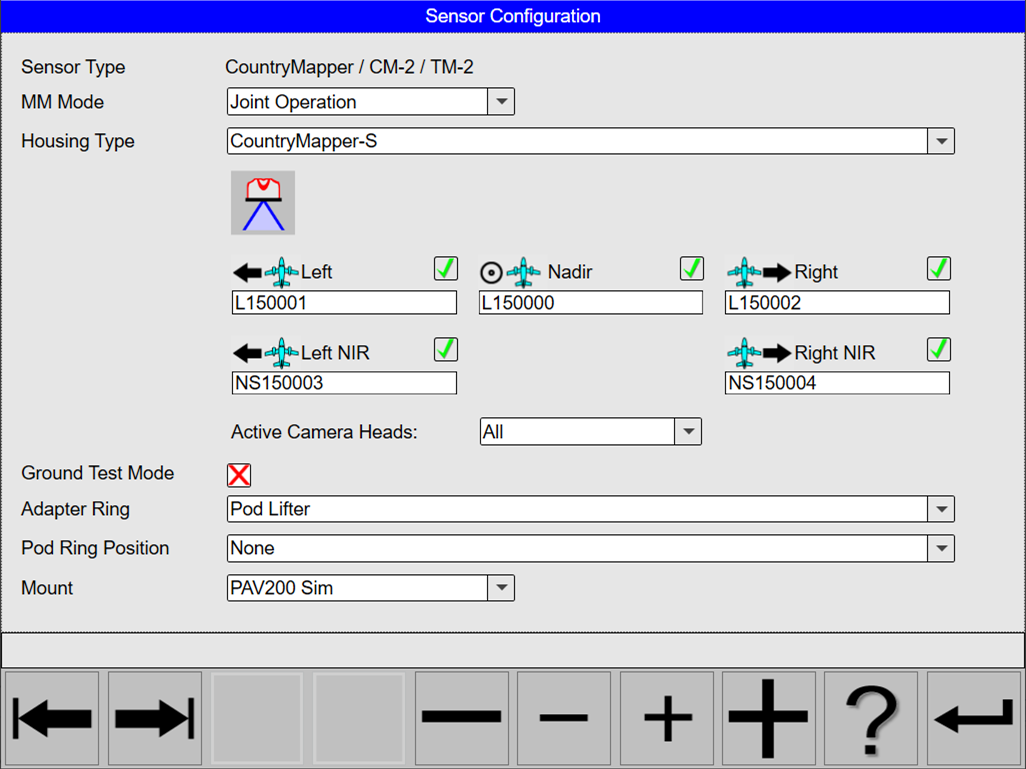
Before selecting the new Leica DMC-4 / ContentMapper Type, note the camera serial numbers for the various position in the Sensor Configuration view.
Select the Leica DMC-4 / ContentMapper in the Sensor Type Selection view and restart the system.
After restarting the system, enter the noted camera serial numbers in the Sensor Configuration for the Housing Type starting flight execution.
Preparation for the Image vignetting test:
The pod, Leica PAV200 and other components will move during the Image vignetting test. Use the same precautions as when flying with the system and components.
-
Install the complete system in the aircraft correctly and safely
-
Enter flight execution mode in Leica FlightPro
-
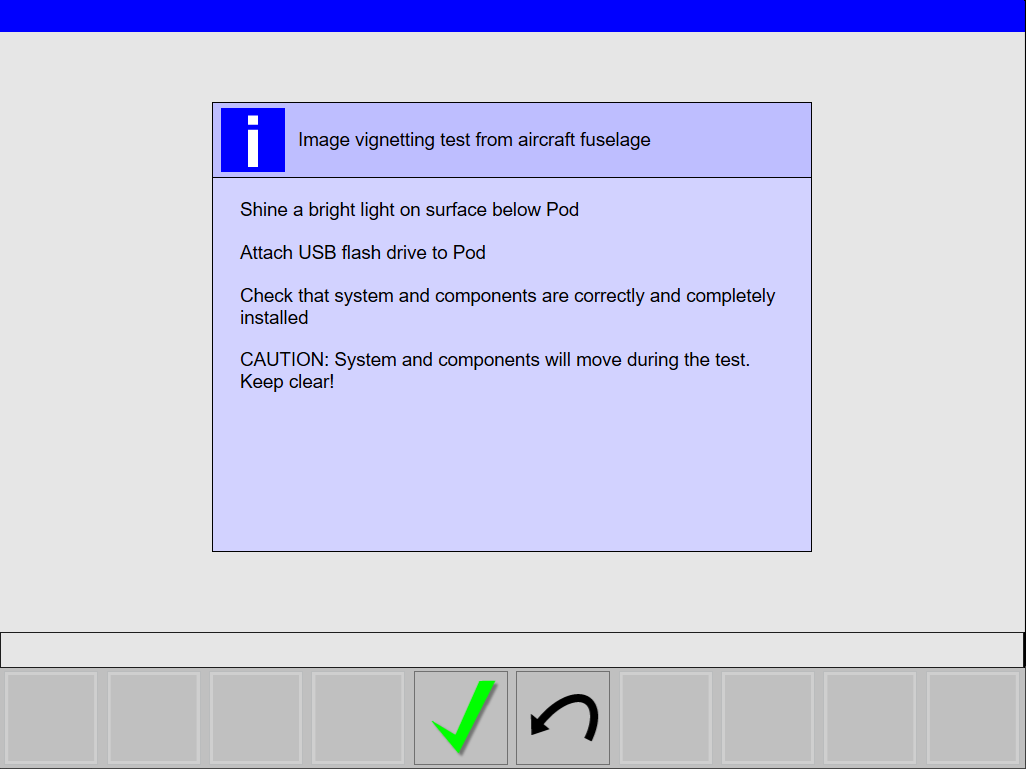
Illuminate the surface below the Leica CountryMapper Pod to ensure the best exposure of the
images -
Attach a USB flash drive or external drive to the Leica CountryMapper Pod
The instructions will also be shown before the Image vignetting test starts.
The Operator can review the images in QC view as soon as the test is completed.