FlightPro Configuration
Leica FlightPro must be configured correctly for the installed system and the preferences of the pilot and operator before entering flight execution.
The operator must also load all the projects needed for the flight session.
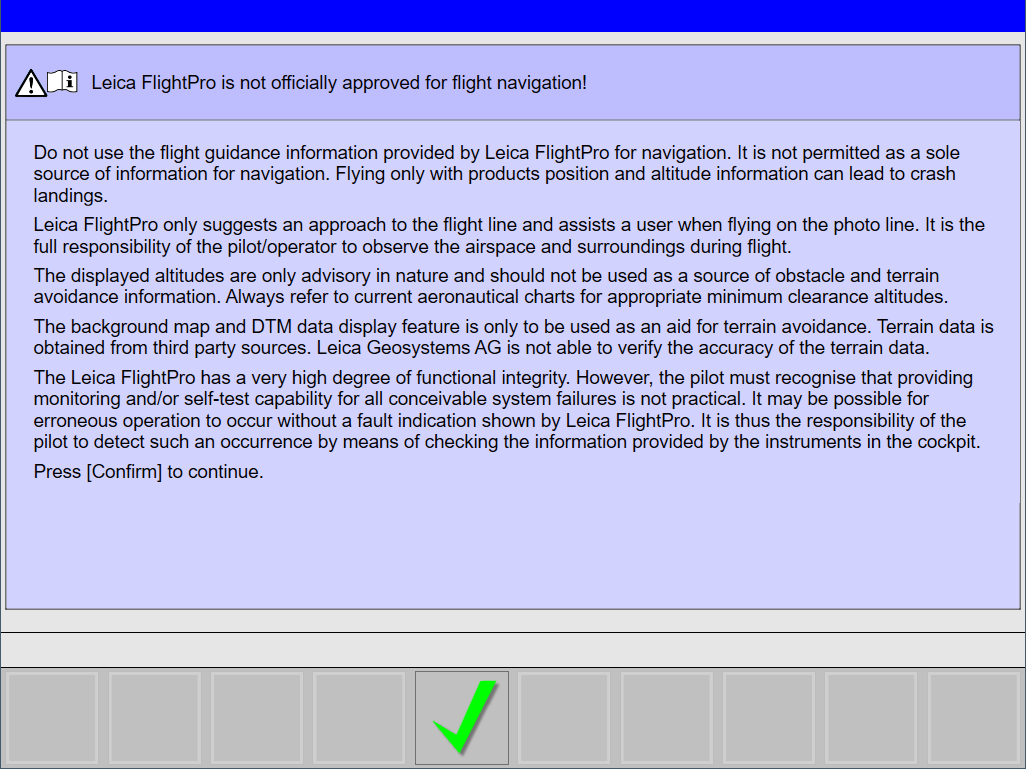
Leica FlightPro is not approved for flight navigation
Leica FlightPro will show for both the pilot and operator a message that Leica FlightPro is not approved for flight execution. The pilot and operator have to accept the conditions before clicking the 
Flight Execution Start
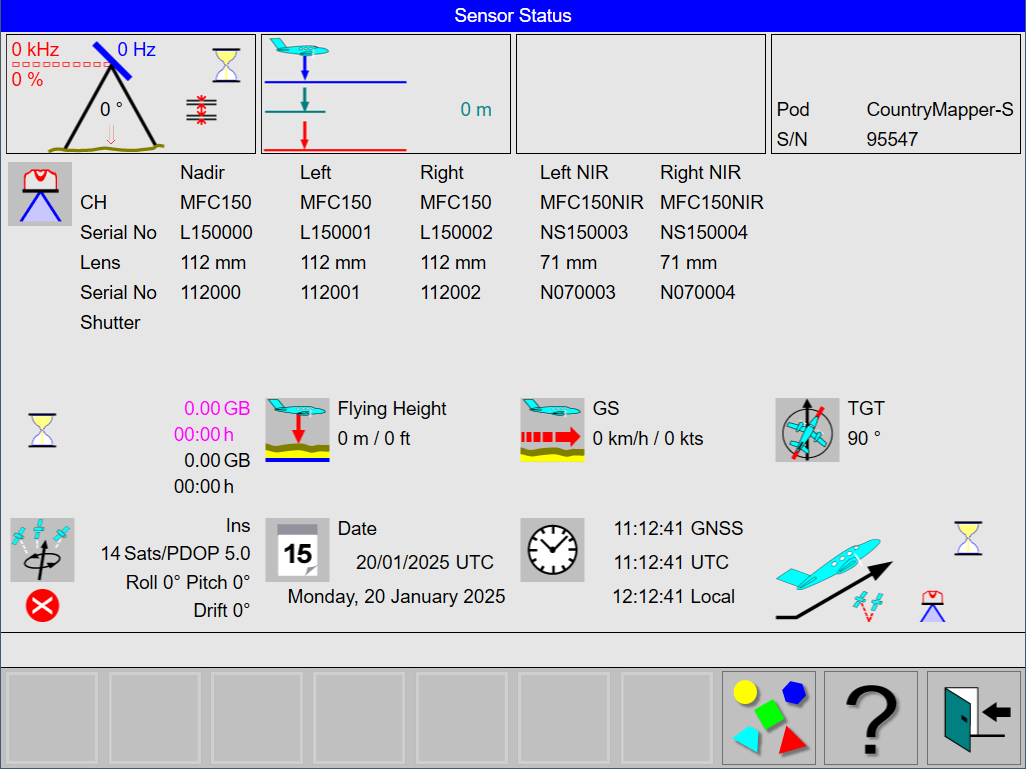
Leica FlightPro will show the Sensor Status view with the Take-Off control while all the various components are starting. The operator can check if there are any issues with the components before loading the project.