
In HxMap 5.0 the handling of calibrations has been improved. The calibration now considers the complete system in addition to its component sensors. Before using HxMap 5.0 for the first time, you will need to prepare system calibrations based on your existing calibration repository.
-
Add Raw Session now requires a system calibration in the global calibration repository
-
For Ingest a system calibration may be selected from the global repository or a project specific calibration can be accepted
Generate HxMap system calibration
A new HxMap system calibration needs to be prepared for each system whose data should be processed in HxMap 5.0. The HxMap 5.0 installer includes a new utility, hexsysgenerator, which you can use to prepare the system calibration files.
-
Locate the following for each system calibration you need to convert:
-
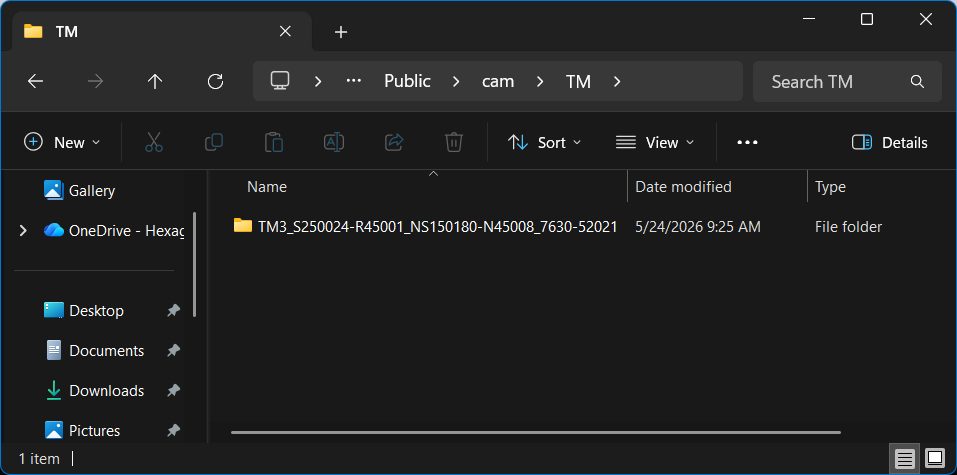
calibration folder from existing HxMap repository
-
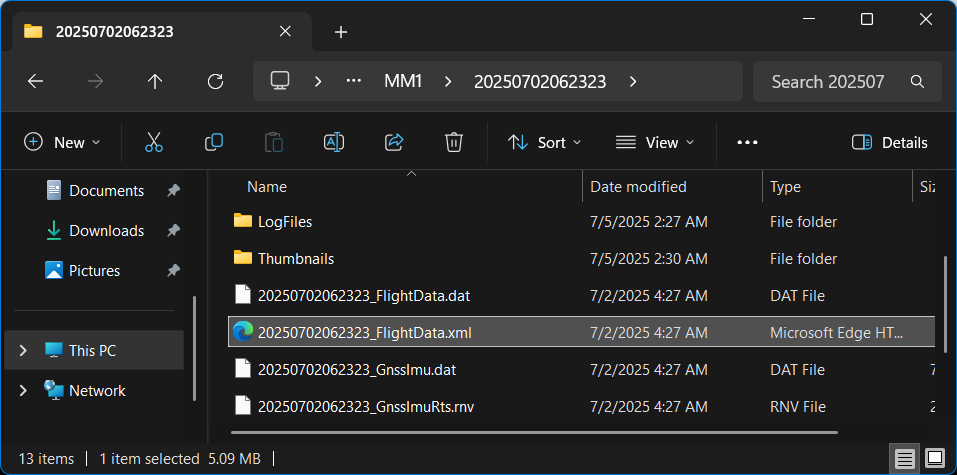
*_FlightData.xml from one session collected with the system
-
Example with TerrainMapper-3 52021

-
Run hexsysgenerator utility for each system you need to prepare a calibration for. The utility is delivered in the HxMap 5.0 installation folder
>hexsysgenerator.exe -i C:\users\Public\cam\TM\TM3_S250024-R45001_NS150180-N45008_7630-52021 -f T:\testdata\TM-3\2025_Goetzis_MFC250\Raw\MM1\20250702062323\20250702062323_FlightData.xml -o C:\users\Public\cal
-
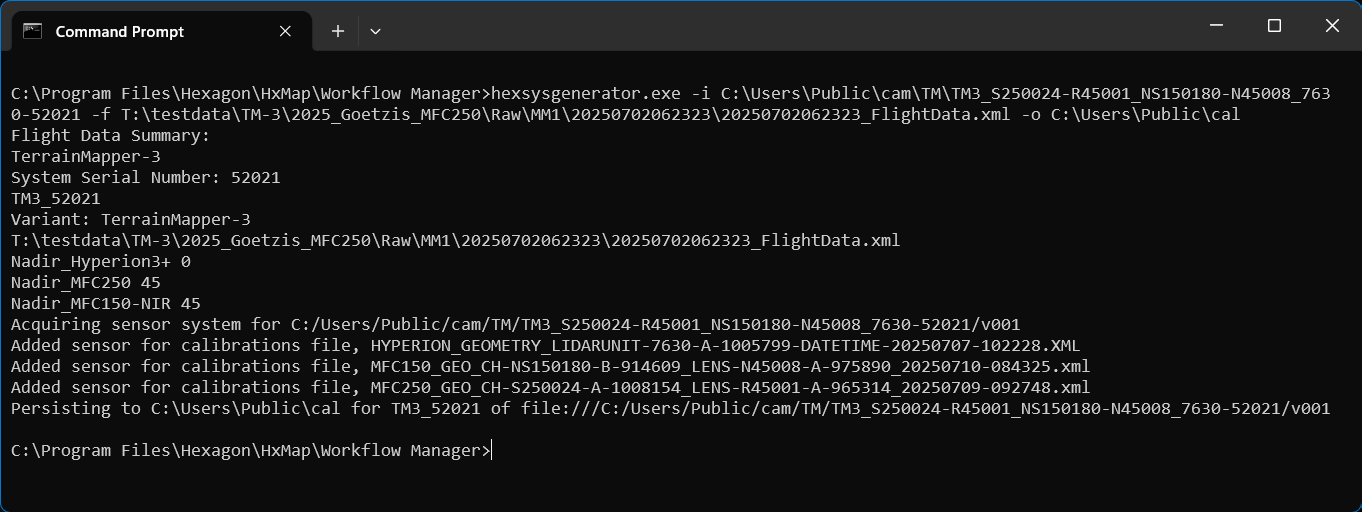
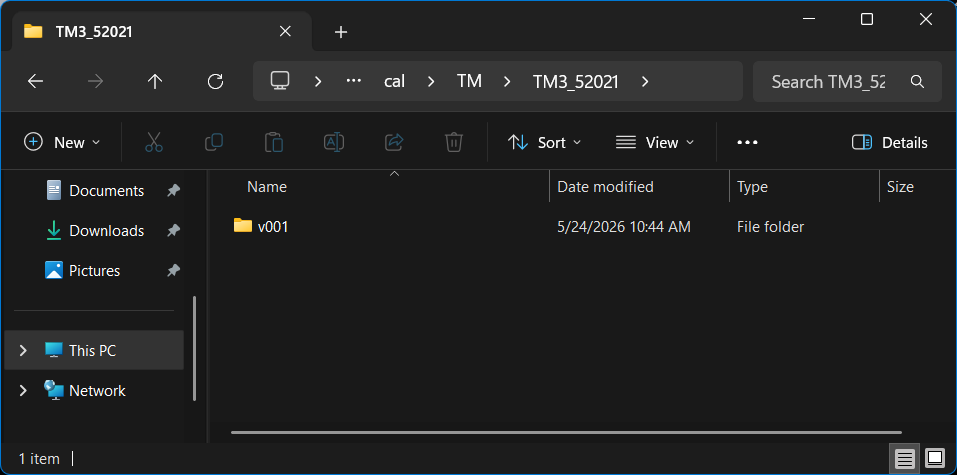
Verify created output
-
the utility will notify successful conversion for each calibration version in the repository
-
the utility automatically creates the necessary repository structure in the output folder
-
-
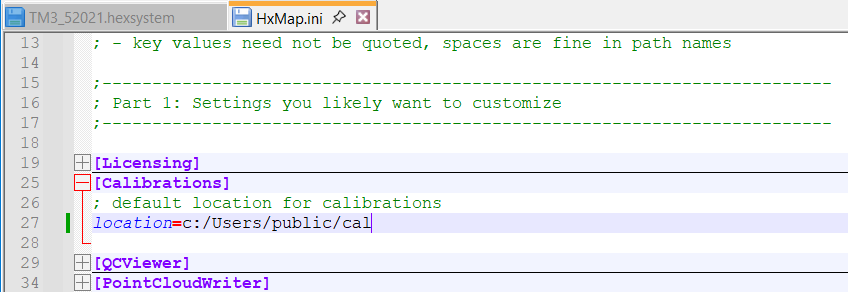
Review and verify / update the calibration validity date for each system version
-
validity range is written in the version’s .hexsystem file
-
calibrations are filtered in the Ingest wizard based on the session date falling within the range of validity start date and end date
-
end date is optional
-

-
Add the converted calibrations to the HxMap 5.0 global repository
-
Verify the created system calibration by ingesting a known raw dataset from the system with HxMap 5.0.
-
Compare lidar point cloud georeferencing and image exterior orientation parameters with results achieved processing Ingest with the previous calibration and version of HxMap.
-
Flight Data with sensors turned off for recording
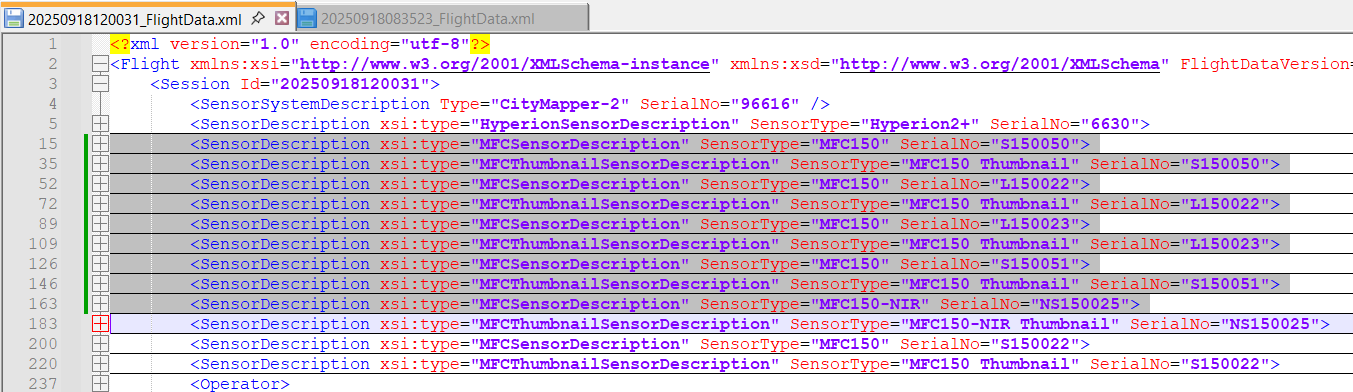
The sensor description in Flight Data is a subset of the full system when any sensor has been turned off for recording, i.e. turning off oblique cameras for a CityMapper-2 flight.
Before using such a Flight Data as input to hexsysgenerator, first add back the missing sensor description(s), using another Flight Data from a full recording as example.
Flight Data example from CityMapper-2 with 71mm optional nadir lens installed and oblique cameras disabled.
-
Make a copy of the Flight Data with sensor subset to a new location.
-
Copy sensor description for the oblique cameras from a reference Flight Data with all sensors recorded.
-
Use the updated Flight Data copy as input to hexsysgenerator.

Summary
hexsysgenerator utility provides a way to directly upgrade the existing HxMap calibration repository for use with HxMap 5.0.0.
DMCIII calibrations
-
For DMCIII the hexsysgenerator only creates the system calibration .hexsystem file.
-
All other files (Camera folder, MC*.dat files, .xml file) need to be manually copied from the version folder in the existing repository to the corresponding version folder in the new HxMap 5.0 repository.
Housing and installation check
-
The newly created system calibration includes mounting offsets and angles of individual sensors in the system housing.
-
When a raw session is loaded in Workflow Manager, its housing parameters are compared to the calibration for consistency.
-
If the housing parameters do not match, an information message will be shown with the measured difference. Contact support for more information on how to proceed in this case.