Cross-Section Tool

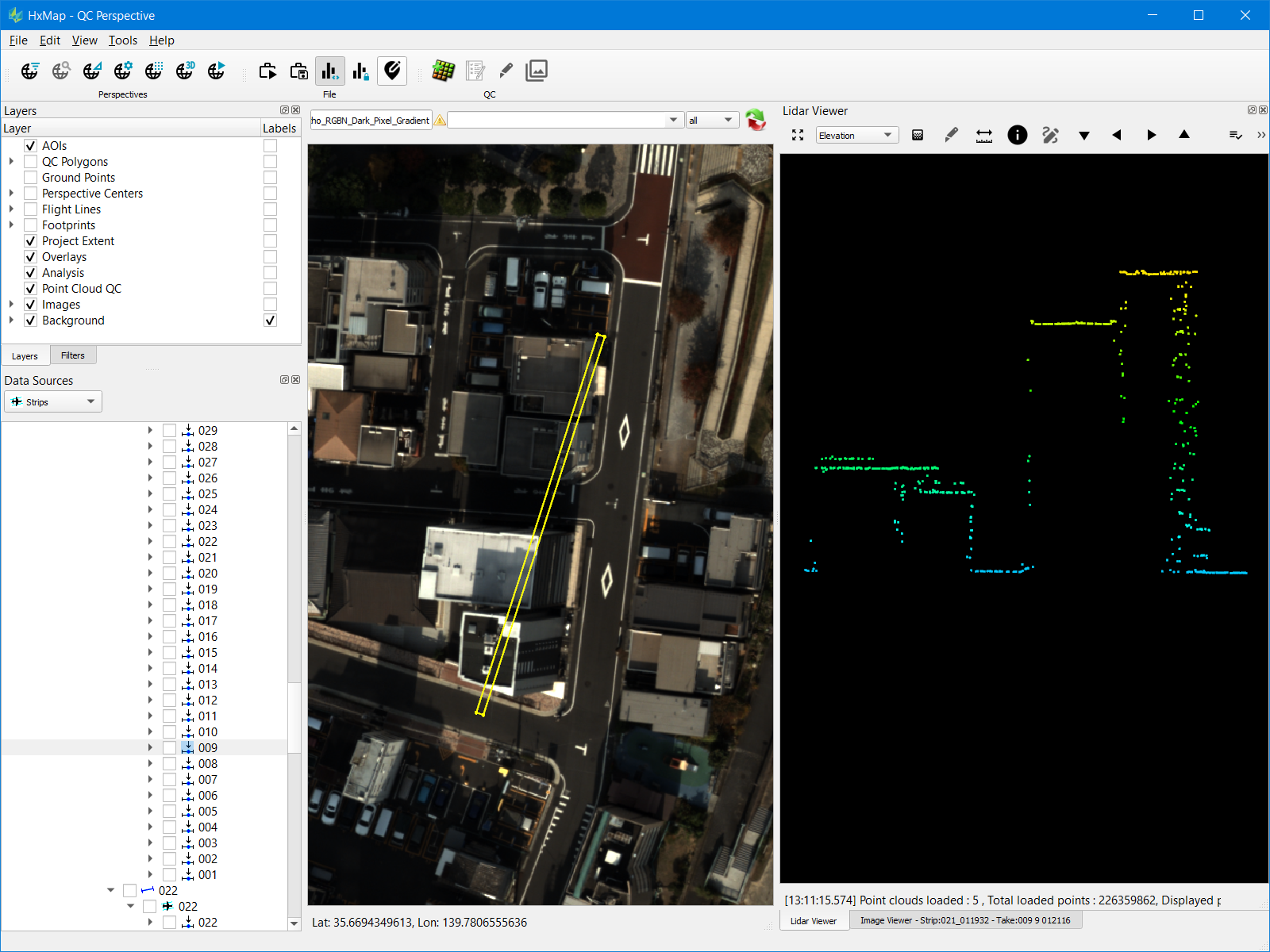
The cross-section tool within HxMap allows a user to slice a point cloud and inspect this section directly in the LiDAR viewer. It is possible to create a single section (e.g. across a rooftop) or a multi-segment section (e.g. along a powerline).

Creating a Cross-Section

Cross sections can be created in the Map view or the Lidar Viewer.

View

Steps to Create

Map view

  1. Select lidar takes to display in the cross section from Data Sources

  2. Activate cross section tool from the toolbar

    image-20220211-092630.png
  3. Hold Shift key and digitize the cross section on the Map view by left click on the map to place vertices

    1. Cross section depth can optionally be set while digitizing; drag mouse before releasing mouse click on the final vertex

Lidar Viewer

  1. Load one or more lidar takes in the Lidar Viewer

  2. Activate cross section tool from the viewer toolbar

    image-20250618-185854.png
  3. Hold Shift key and digitize the cross section on the Map view by left click on the map to place vertices

    1. Cross section depth can optionally be set while digitizing; drag mouse before releasing mouse click on the final vertex

Single segment and multi-segment cross sections offer different options for navigation.

Section Type

Navigation

Single segment

  • Step the cross section forward, backward, left or right through the complete loaded point cloud

    image-20250618-190739.png
  • Forward and backward steps are in increments of the section depth setting

  • Left and right steps are in increments of the section width

  • The cross section location is displayed on the Map view and synchronized with the cross section steps

    image-20250618-191150.png

Multi-segment

  • All segments are flattened into a single plane up on first loading

  • Step left or right through each consecutive segment on the section

    image-20250618-190622.png

While in cross-section mode, rotating of the point cloud is restricted. To unlock full rotation right-click anywhere in the viewer and toggle the cross-section mode off.

Cross-Section Settings

Cross section depth can be manually adjusted from the Lidar Viewer settings dialog.
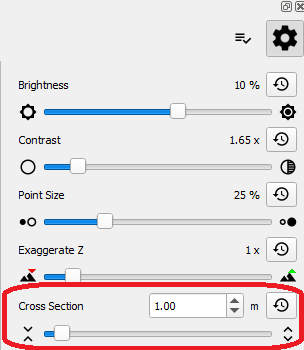
image-20250618-191359.png