
The Apply Point Cloud Offset tool in Quality Control Perspective allows users to correct any systematic offsets they observe during LiDAR QC, prior to running LiDAR matching.
Use the LiDAR QC Reports or manual inspection in the LiDAR viewer to detect offsets:
-
Between point clouds and ground control
-
Between point clouds from different sessions
-
Between point clouds from different takes
-
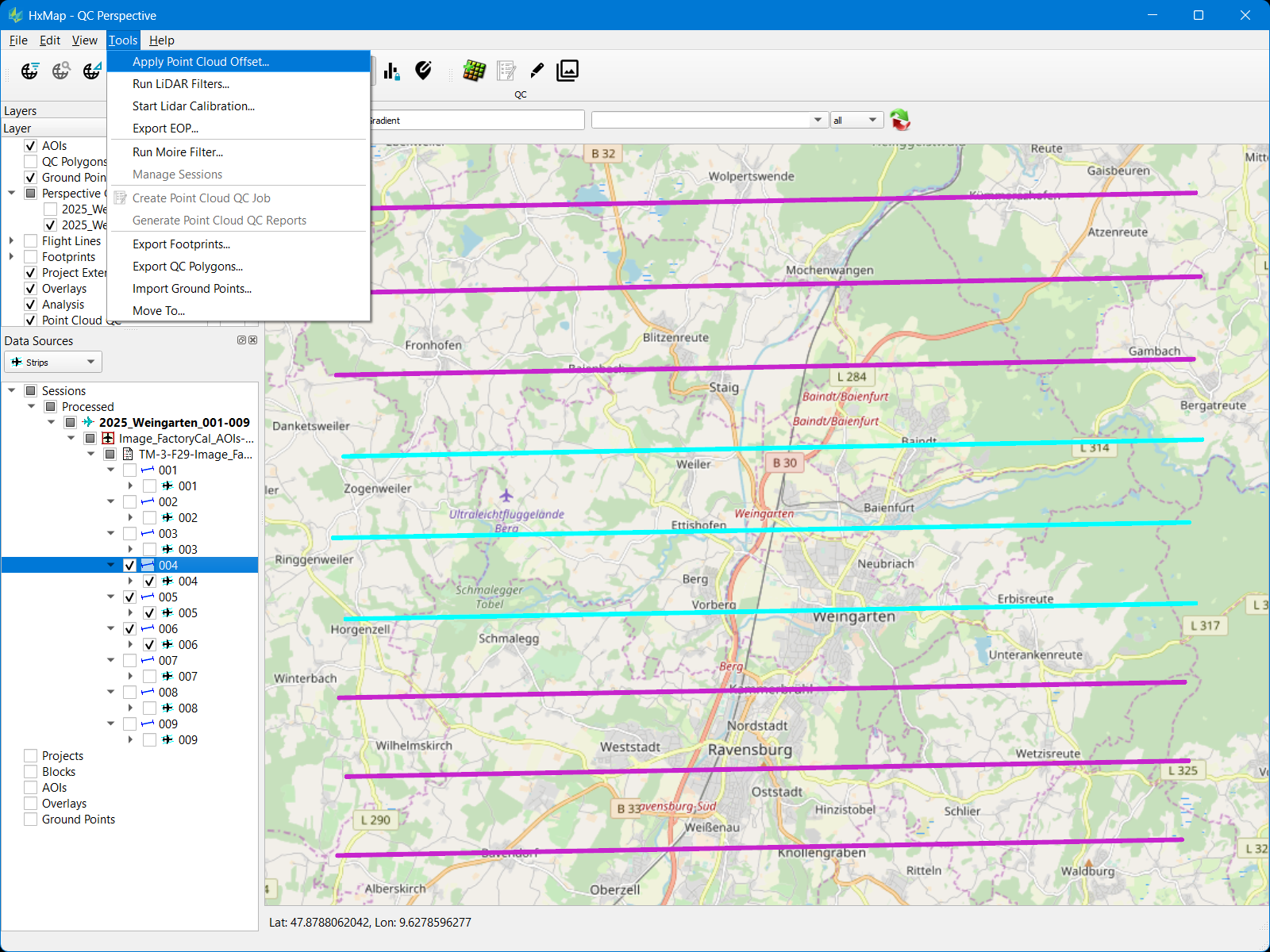
Select one or more LiDAR takes in processed session(s)
-
Go to Tools menu → Apply Point Cloud Offset
-
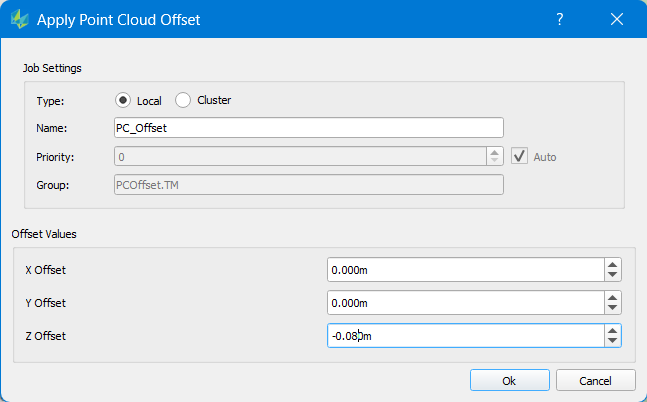
Select whether to run Local or Cluster
-
Enter position offsets (positive or negative) to be applied to the point cloud
-
Click Ok. The entered offset values will be added to all selected lidar takes
-
Apply point cloud offset permanently changes the ingested point cloud
-
Offset update typically takes 30 seconds or less per take thanks to HSPC storage format
-
For a larger selection of takes its recommended to process on Cluster
-
Apply point cloud offset can be run multiple times on the same lidar take