The cross-section tool within HxMap allows a user to slice a point cloud and inspect this section directly in the LiDAR viewer. It is possible to create a single section (e.g. across a rooftop) or a multi-segment section (e.g. along a powerline).
Creating a Cross-Section
Cross sections can be created in the Map view or the Lidar Viewer.
|
View |
Steps to Create |
|---|---|
|
Map view |
|
|
Lidar Viewer |
|


Navigating a Cross-Section
Single segment and multi-segment cross sections offer different options for navigation.
|
Section Type |
Navigation |
|---|---|
|
Single segment |
|
|
Multi-segment |
|

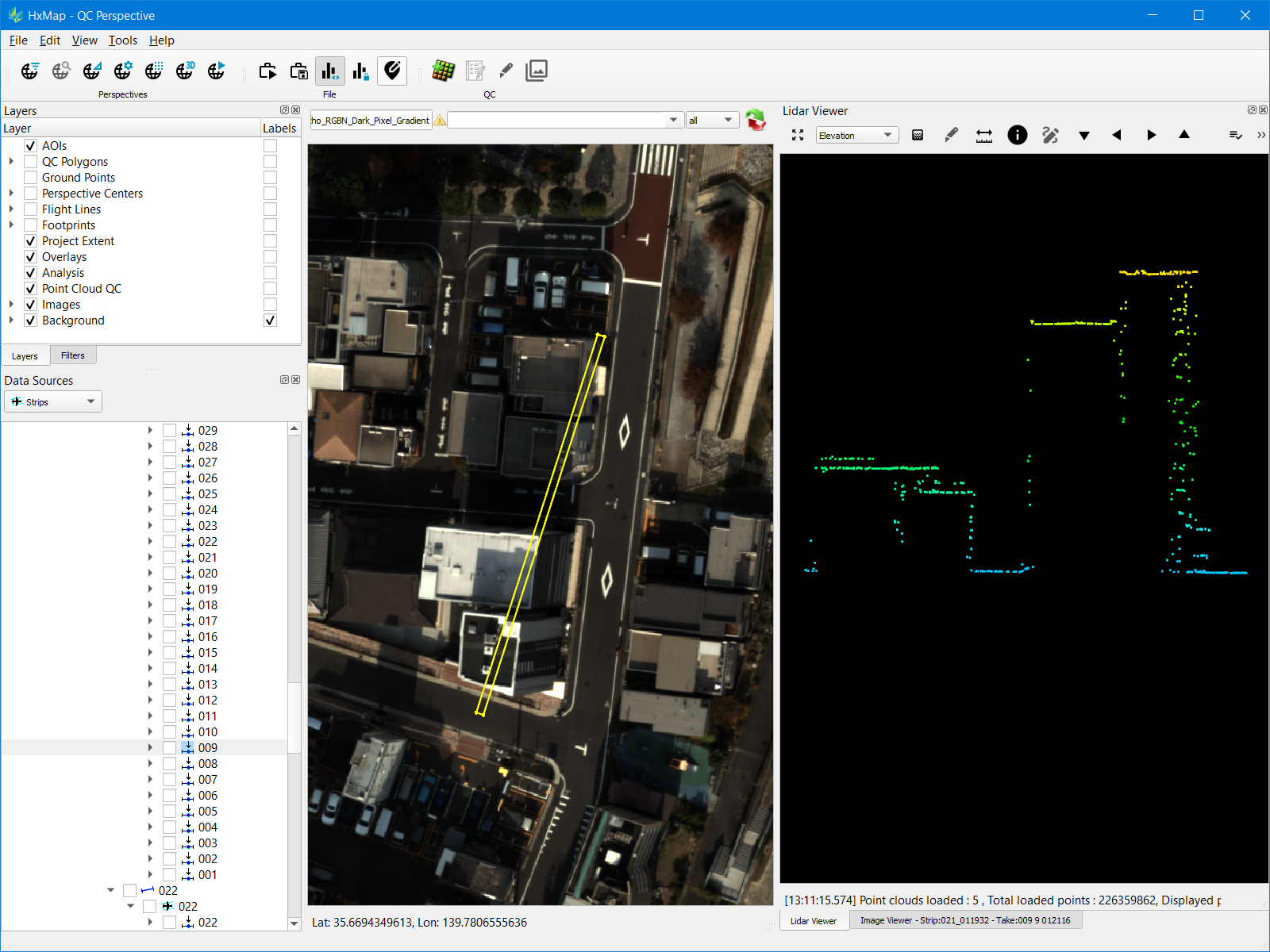

While in cross-section mode, rotating of the point cloud is restricted. To unlock full rotation right-click anywhere in the viewer and toggle the cross-section mode off.
Cross-Section Settings
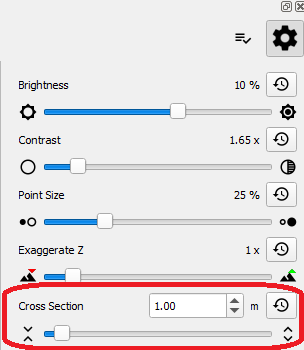
Cross section depth can be manually adjusted from the Lidar Viewer settings dialog.